Apply securely
Use an authorized merchant representative and submit accurate legal, ownership, banking, website, product, volume, and policy information.


Native ACH payment path
Give customers an approved bank-payment option without confusing onboarding with launch readiness.
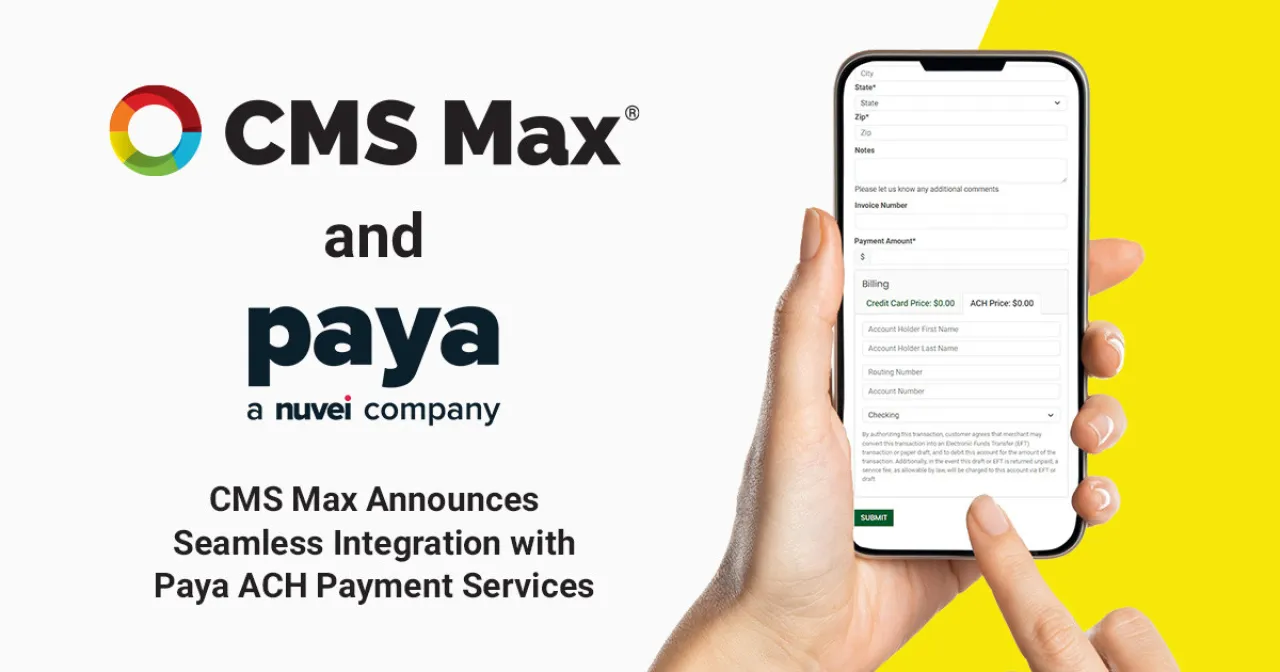
CMS Max includes a native Paya provider for eligible ACH and bank-transfer workflows. The merchant application begins the provider relationship; underwriting, terms, credentials, limits, settlement, returns, and production approval remain provider-controlled.
Decision frame
Use an authorized merchant representative and submit accurate legal, ownership, banking, website, product, volume, and policy information.
Confirm pricing, funding, reserves, limits, returns, termination, support, and compliance obligations in writing.
Use matching environments and representative tests, then verify a controlled live payment, settlement, reversal policy, and sign-off.
Platform and operating capability
CMS Max includes a current Paya payment provider for ACH and bank-transfer operations.
The merchant supplies the approved gateway terminal while protected environment credentials support the provider service.
The current implementation validates routing, account, account type, amount, and available customer context before submission.
CMS Max records provider references and outcomes with the relevant order or form payment operation.
Supported void or refund behavior depends on transaction state, provider response, merchant terms, and accepted implementation.
The merchant reconciles provider deposits, returns, holds, fees, customer issues, and accounting.
Implementation workflow
Gather legal identity, ownership, bank, website, products, volume, fulfillment, refunds, and authorized contacts.
Submit accurate information through the secure hosted application and respond to underwriting questions.
Accept only after reviewing the complete written provider decision, pricing, limits, funding, returns, and support terms.
Enable the approved Paya path in CMS Max with the correct terminal and matching environment, then exercise success and failure cases.
Run a controlled live payment, verify customer and CMS Max state, confirm settlement, test reversal policy, and record sign-off.
Practical reference
Evidence and next steps
Frequently asked questions
Yes. The current application includes a native Paya ACH and bank-transfer provider.
No. Paya or Nuvei controls underwriting, approval, merchant terms, and production activation.
The verified CMS Max architecture uses Paya for ACH. Eligible card processing is configured separately.
After provider approval, correct configuration, representative testing, operational acceptance, and production activation.
Review CMS Max payment records, provider references, deposits, fees, returns, holds, customer issues, and accounting.
Start with the secure application, then connect approval, terms, configuration, testing, settlement, returns, reconciliation, and support.
The world's fastest and most SEO friendly website code.